

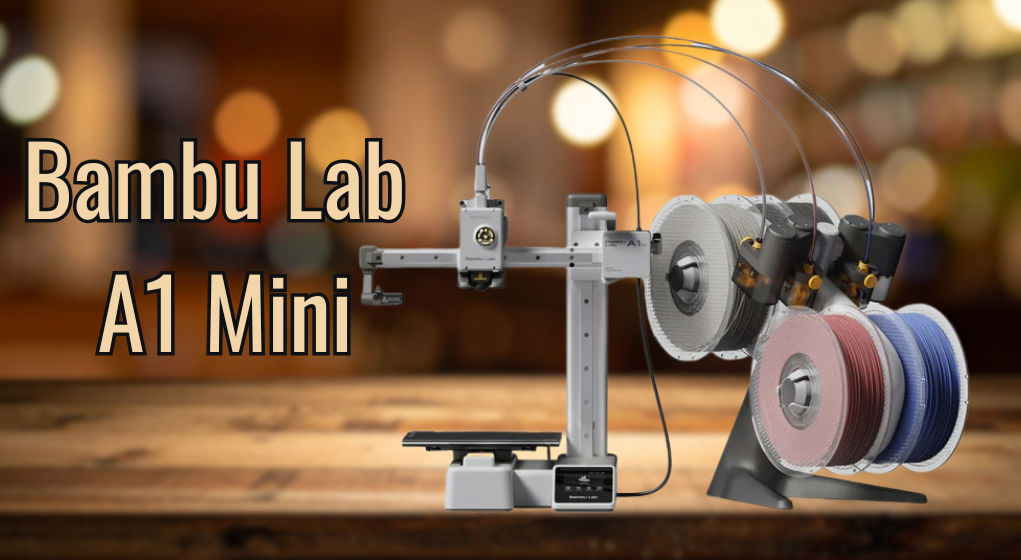
The Bambu Lab A1 Mini Review highlights how modern 3D printing has become more accessible, efficient, and user-friendly than ever before. As compact printers continue to evolve, this model stands out by combining advanced technology with a beginner-friendly approach, making it suitable for both newcomers and experienced users.
With its smart automation, high-speed capabilities, and reliable print quality, it represents a new generation of machines designed to simplify the entire printing process while delivering impressive results in a smaller footprint. It reduces the need for constant manual adjustments, making it especially appealing for beginners and busy users. At the same time, its advanced features ensure consistent and professional-looking outputs. This balance of convenience and performance makes it a strong choice for modern 3D printing needs.
| Category | Details |
| Product Name | Bambu Lab A1 Mini |
| Printer Type | FDM (Fused Deposition Modeling) 3D Printer |
| Build Volume | 180 x 180 x 180 mm |
| Max Print Speed | Up to 500 mm/s |
| Target Users | Beginners, Hobbyists, Students |
| Key Features | Auto bed leveling, Wi-Fi control, smart sensors, app integration |
| Print Quality | High-quality prints with smooth layers and strong adhesion |
| Ease of Use | Plug-and-play setup, beginner-friendly interface |
| Supported Materials | PLA, PETG, TPU |
| Software | Bambu Studio, Mobile App Control |
| Pros | Fast printing, easy setup, excellent quality, smart features |
| Cons | Limited build size, slightly higher price than basic models |
| Pricing Category | Mid-range budget |
| Performance Rating | ★★★★☆ (4.5/5) |
| Best For | Small projects, home use, beginners |
| Comparison Advantage | Faster and smarter than traditional entry-level printers |
| Overall Verdict | Great value for money, reliable, and future-ready 3D printer |
Overview of Bambu Lab A1 Mini
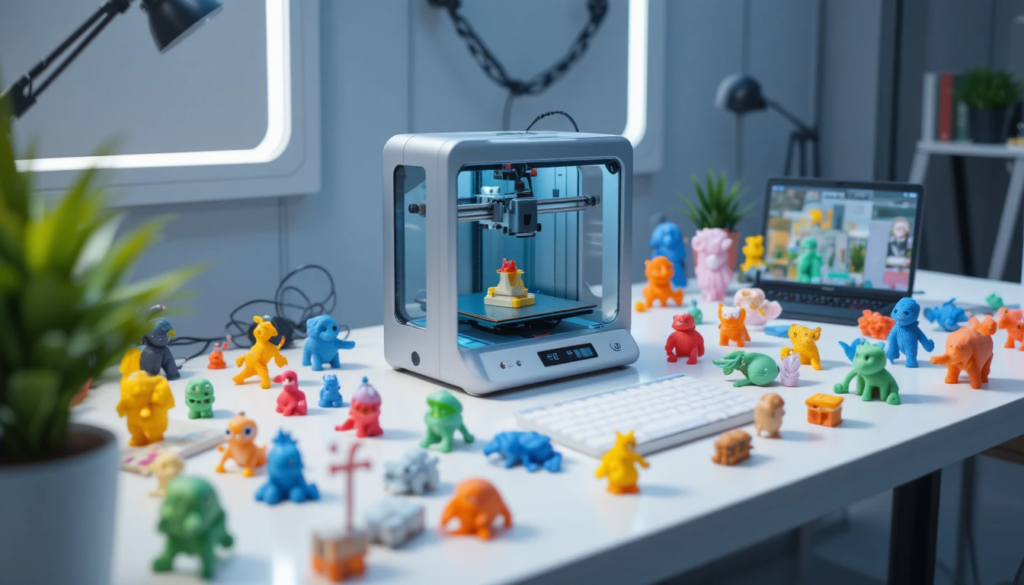
The Bambu Lab A1 Mini is a compact 3D printer built with ease of use and efficiency in mind. It targets beginners, students, and even experienced users who want a secondary printer for smaller projects.
Unlike traditional entry-level printers, this model integrates smart features such as auto-calibration, high-speed printing, and seamless software integration. These features make it one of the most advanced printers in its price range.
Key Features of the Bambu Lab A1 Mini
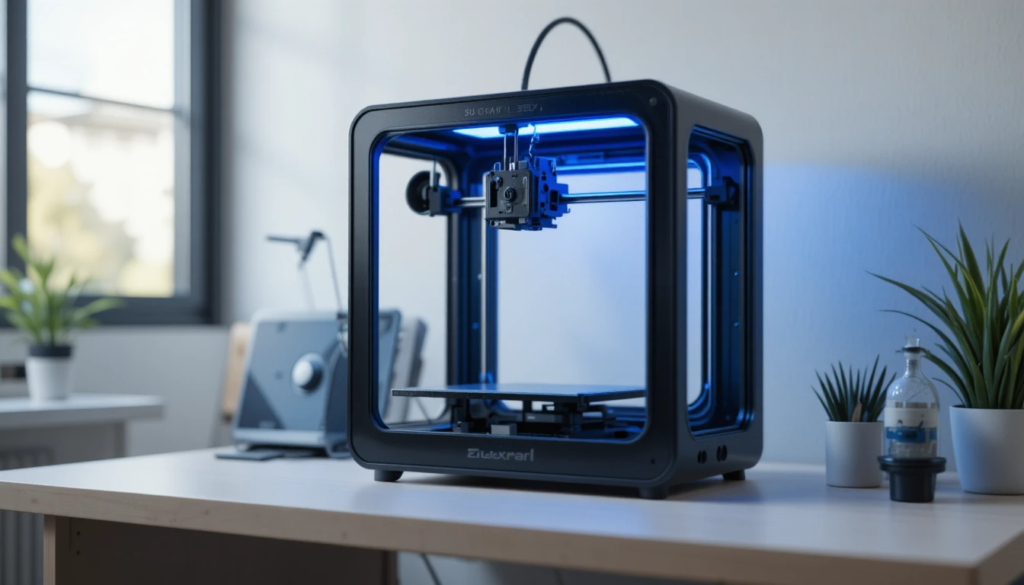
Before diving into performance, let’s explore what makes this printer stand out.
Smart Features That Matter
- Fully automatic bed leveling
- Intelligent filament detection
- Easy plug-and-play setup
- Mobile and desktop app control
Design and Build
The A1 Mini features a minimalist and compact design, making it ideal for small workspaces. Despite its size, it offers solid build quality and stability during high-speed printing.
Specifications Overview
Here’s a quick look at the core specifications of the Bambu Lab A1 Mini:
| Feature | Details |
| Build Volume | 180 x 180 x 180 mm |
| Printing Technology | FDM (Fused Deposition Modeling) |
| Max Print Speed | Up to 500 mm/s |
| Auto Bed Leveling | Yes |
| Connectivity | Wi-Fi, App Control |
| Filament Support | PLA, PETG, TPU |
| Target Users | Beginners & Hobbyists |
Performance Test: Real-World Printing Experience
Print Quality
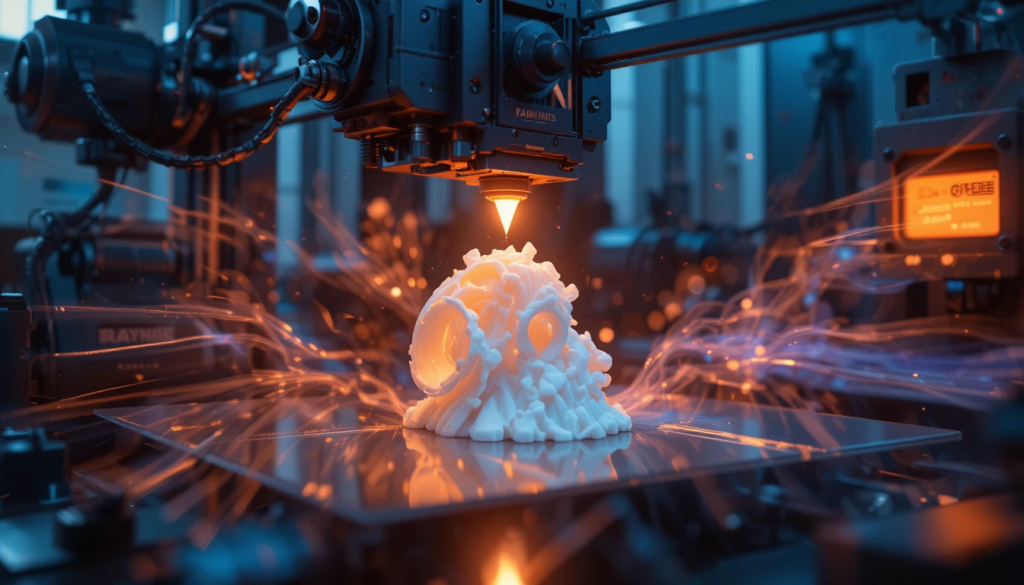
One of the Bambu Lab A1 Mini’s biggest strengths is its excellent print quality. Even at higher speeds, the printer maintains consistent layer lines and smooth finishes, which is impressive for a compact machine. In real-world testing, it successfully preserves fine details, produces minimal stringing or defects, and delivers strong layer adhesion, making prints both visually appealing and structurally reliable.
Speed and Efficiency
Speed is where this printer truly shines. With a maximum speed of 500 mm/s, it significantly outperforms many competitors in its category, allowing users to complete projects much faster. However, for the best results, moderate speeds are recommended to maintain top-tier quality, while higher speeds work best for quick prototypes and less detailed prints.
Ease of Use
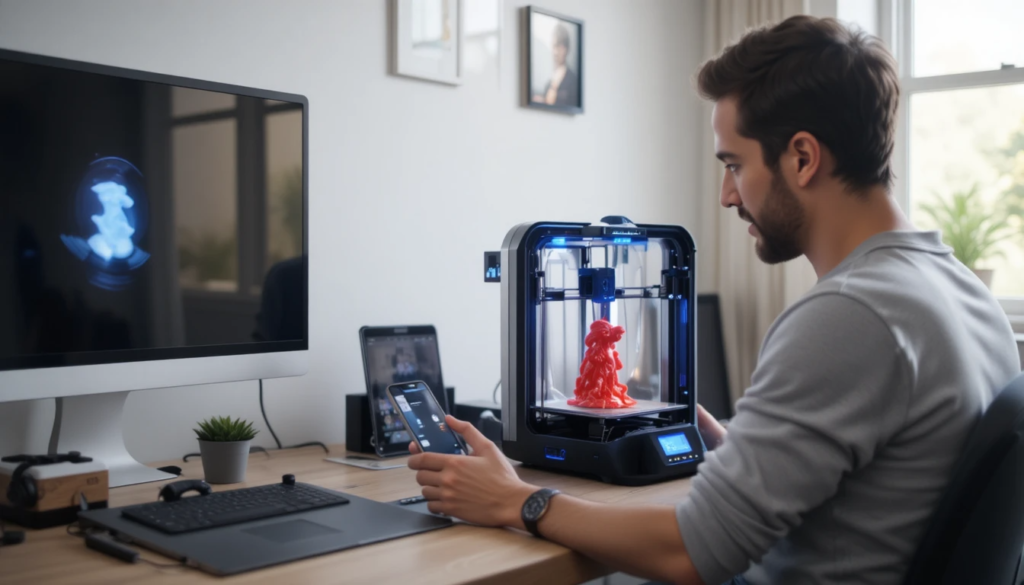
The setup process is incredibly simple and user-friendly, making it ideal for beginners. Users only need to unbox the printer, connect it to Wi-Fi, and start printing through the app. This straightforward process eliminates the typical complexities of 3D printing, providing a smooth, hassle-free experience from the start.
Software and User Experience
The Bambu Lab ecosystem is one of its biggest advantages.
What You Get:
- User-friendly slicing software
- Cloud-based printing
- Real-time monitoring via app
This level of integration is rarely seen in budget-friendly printers and adds significant value.
Pros and Cons of the Bambu Lab A1 Mini
Pros
- Fast printing speeds
- Excellent print quality
- Beginner-friendly setup
- Compact and stylish design
- Smart automation features
Cons
- Smaller build volume compared to larger printers
- Limited to certain filament types
- Slightly higher price than basic entry-level models
Pricing and Value for Money
The pricing of the Bambu Lab A1 Mini places it in the mid-range budget category, making it slightly more expensive than basic entry-level printers but still affordable for most users. In terms of value, it is definitely worth the price because it offers premium features, high-speed performance, and reliable print quality right out of the box.
Unlike cheaper printers that often require upgrades, manual tuning, and constant adjustments, the A1 Mini provides a ready-to-use experience, saving both time and effort while delivering consistent results.
Who Should Buy the Bambu Lab A1 Mini?
This printer is ideal for:
Beginners
- Easy setup and automation
- Minimal learning curve
Hobbyists
- Reliable performance
- Good for small projects
Students and Creators
- Compact size for home use
- Affordable entry into 3D printing
Comparison: A1 Mini vs Traditional Budget Printers
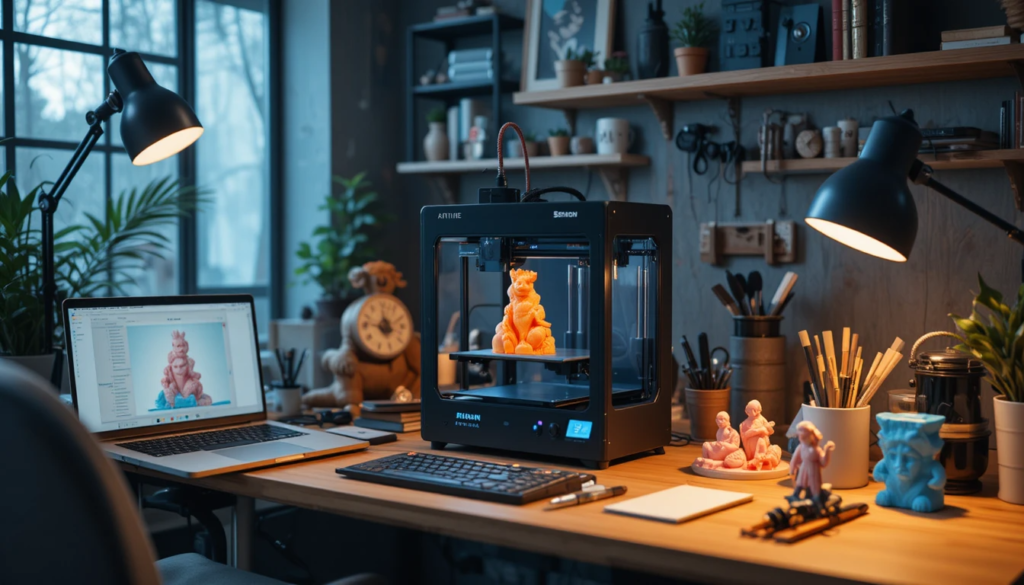
Unlike older entry-level printers, the Bambu Lab A1 Mini eliminates many common frustrations that users typically face. It does not require manual calibration, saving time and reducing setup complexity.
Additionally, it offers significantly faster print speeds than traditional budget printers, enabling users to complete projects more efficiently. The improved software integration further enhances the overall experience by providing smoother control and better usability. All these advantages make the A1 Mini a future-ready option, especially for new users entering the world of 3D printing.
Tips to Get the Best Performance
To maximize your experience with the Bambu Lab A1 Mini:
- Use high-quality filament
- Keep firmware updated
- Avoid pushing maximum speed for detailed prints
- Regularly clean the print bed
These simple steps can significantly improve results.
Is the Bambu Lab A1 Mini Worth Buying in 2026?
After analyzing all aspects in this Bambu Lab A1 Mini Review, the answer is clear: Yes, it is worth buying.
It offers a rare combination of:
- Speed
- Quality
- Ease of use
For beginners and casual users, it’s one of the best choices available in 2026.
Conclusion
Overall, the Bambu Lab A1 Mini proves that you don’t need a large or complex machine to achieve high-quality 3D prints. Its combination of speed, precision, and ease of use makes it a strong contender in the mid-range market.
While the smaller build volume may limit larger projects, its smart features and consistent performance more than make up for it. For anyone looking for a dependable, modern, and efficient 3D printer, this model offers excellent value and a smooth user experience well into 2026 and beyond.
It also stands out for minimizing common beginner frustrations, making the learning curve much easier to manage. The seamless software integration and wireless controls further enhance convenience and accessibility.
Want to know about How To Boot into BIOS Explained? Understanding Firmware, Boot Menus, and. Check out our Tech category.
FAQs
It supports common filaments like PLA, PETG, and TPU.
It can reach speeds of up to 500 mm/s, making it one of the fastest in its class.
No, it comes with automatic bed leveling and smart calibration features.
It can handle small professional projects, but larger builds may require a bigger printer.