


In the AIO vs. air cooler debate, a good AIO liquid cooler usually holds hot, high-core-count CPUs a few degrees cooler under sustained load, while a good air cooler costs less, lasts longer and has nothing that can leak or pump-fail. For most gaming PCs and mid-range processors, a quality dual-tower air cooler performs close enough to an AIO that the choice comes down to budget, case space, noise and looks.
This guide compares both options on cooling, noise, reliability, installation and cost, then gives clear recommendations by build type so you can pick the right cooler the first time.
AIO vs. Air Cooler: Quick Comparison
| Aspect | AIO liquid cooler | Air cooler |
|---|---|---|
| How it works | Pump moves coolant from a CPU block to a radiator with fans | Heat pipes carry heat to metal fins cooled by fans |
| Peak cooling | Excellent, best for sustained heavy loads (240mm and up) | Very good with large dual-tower models |
| Noise | Quiet fans, but some pumps hum | Quiet at idle; large fans can get loud under load |
| Reliability | Pump is a wear part; slow coolant loss over years | Very high; only the fans wear out |
| Lifespan | Usually several years, limited by the pump | Often the life of several PC builds |
| Installation | More steps: radiator, fans, pump cable | Simpler, but big towers can block RAM |
| Clearance | Needs radiator space in the case | Needs CPU cooler height clearance |
| Looks | Clean view of the motherboard, RGB pump heads | Bulky tower over the CPU |
| Cost | Higher for the same cooling level | Better performance per dollar |
What Is an AIO Cooler?
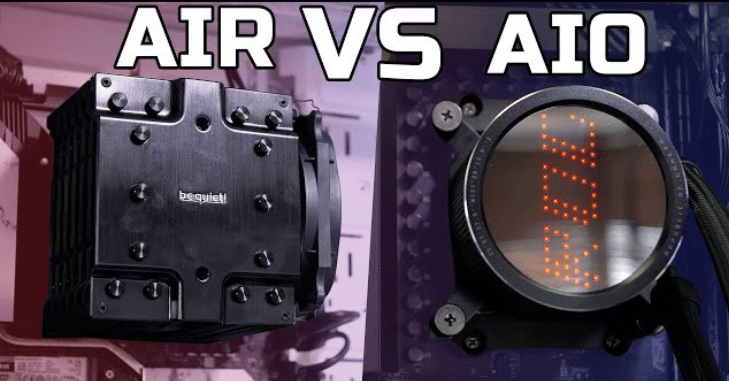
An AIO (all-in-one) cooler is a sealed liquid cooling loop. A cold plate sits on the CPU with a small pump built into it. The pump pushes coolant through two tubes to a radiator, where fans blow air through thin fins to remove the heat. Because it is factory-filled and sealed, you never need to add coolant.
AIOs are sold by radiator size. The number refers to fan size and count:
- 120mm: Fits almost any case but cools about the same as a mid-range air cooler, so it rarely makes sense.
- 240mm or 280mm: The sweet spot for most gaming CPUs.
- 360mm or 420mm: For the hottest CPUs, heavy rendering workloads and overclocking, provided your case can fit them.
What Is an Air Cooler?
An air cooler uses copper heat pipes to draw heat from the CPU base into a stack of aluminum fins. One or two fans push air through the fins. Single-tower coolers suit most mainstream CPUs; dual-tower coolers with two fans compete with 240mm and many 280mm AIOs. Low-profile coolers exist for small cases but trade away cooling capacity.
The only moving parts are the fans, which are cheap and easy to replace. That is why many builders keep the same high-end air cooler across several upgrades, only buying a new mounting kit when they change CPU socket.
Performance Comparison
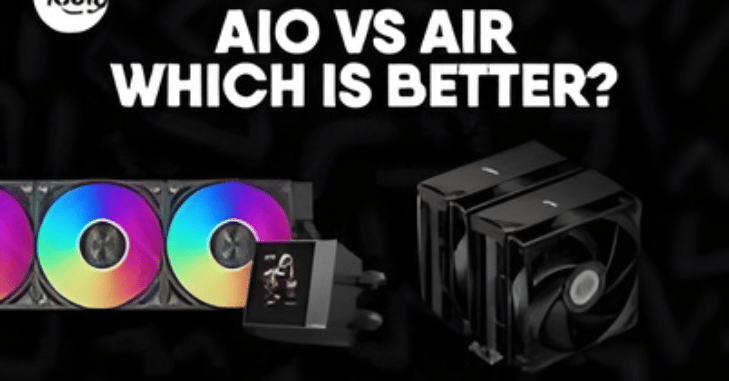
The difference in real-world performance depends on how much heat the CPU produces and for how long.
| Scenario | AIO (240–360mm) | Good air cooler |
|---|---|---|
| Gaming on a mid-range CPU | No meaningful advantage | Handles it comfortably |
| Short bursts of heavy load | Similar results | Similar results |
| Long rendering or compiling sessions | Holds clocks better as heat builds | May run warmer and louder |
| Overclocking a high-end CPU | Clear advantage, especially 360mm | Can limit how far you push |
| Small or poorly ventilated case | Depends on radiator placement | Depends on case airflow |
One detail is easy to miss: coolant takes time to heat up, so AIOs absorb short spikes well, but once the loop is warm, performance depends on radiator size and fan speed. Many modern high-end CPUs are designed to boost until they reach a temperature limit, so a better cooler often shows up as higher sustained clock speeds rather than dramatically lower temperatures.
Noise Levels
Both types can be quiet. A large air cooler with two 140mm fans running at moderate speed is near-silent for gaming. AIOs spread heat over a big radiator so the fans can spin slowly, but the pump runs constantly and some units produce a faint hum or gurgle. If you are sensitive to noise, check reviews for pump noise specifically, and set fan curves in the BIOS so fans respond to coolant or CPU temperature smoothly rather than spiking.
Reliability, Lifespan and Maintenance
- AIO pumps wear out: Pump failure is the most common AIO problem. When it happens, CPU temperatures shoot up quickly, though modern CPUs protect themselves by throttling or shutting down.
- Slow permeation: Coolant slowly escapes through the tubing over years, which can increase pump noise as air enters the loop.
- Leaks are rare: Leaks from reputable brands are uncommon, and many manufacturers offer long warranties, but the risk is not zero.
- Air cooler upkeep: Dust the fins and fans every few months and replace a fan if it starts rattling. That is all.
Check warranty length when comparing models; many AIOs carry several years of coverage, which tells you how confident the maker is in the pump.
How to Choose the Right Cooler for Your Build
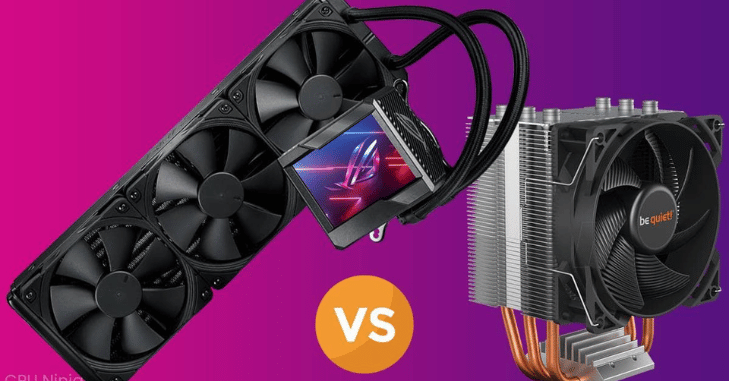
- Check your CPU’s power draw: Mid-range and gaming CPUs run fine on a good air cooler. Flagship desktop chips with many cores benefit from a 280mm or 360mm AIO or a top-tier dual-tower cooler.
- Measure your case: Look up the maximum CPU cooler height and supported radiator sizes and positions in your case’s specifications.
- Check RAM clearance: Tall memory modules can collide with large air cooler fans. Look for coolers with offset designs if this is a concern.
- Confirm socket support: Make sure the cooler includes brackets for your socket, such as AM5 or LGA 1851.
- Set a budget: At the same price, a quality air cooler usually beats a cheap AIO.
- Decide how much looks matter: If you want an uncluttered view of the motherboard or an LCD pump head, an AIO wins.
When to Choose an AIO Cooler
Overclocking Enthusiasts
Overclocking raises voltage and heat output sharply. A 360mm AIO gives you the extra thermal headroom to hold higher clocks during long stress tests and workloads without hitting the CPU’s temperature limit as quickly.
High-End Gaming and Workstation Builds
If you game while streaming, or render video and 3D scenes for hours, a large AIO keeps clocks steadier and lets fans run slower. It also moves heat to the case edge, where the radiator can exhaust it directly.
Small-Form-Factor Builds With Radiator Support
Some compact cases cannot fit a tall air cooler but support a 240mm radiator. In these, an AIO can be the only way to cool a powerful CPU properly.
When to Choose an Air Cooler
- Budget builds: You get strong cooling for less money and can put the savings toward the GPU.
- Reliability first: Office PCs, home servers and family computers benefit from a cooler with no pump to fail.
- Long-term ownership: A high-end air cooler can move from build to build for years.
- Low maintenance: No coolant, no pump noise and no concern about leaks.
Installation Tips and Common Mistakes
- Remove the protective plastic film from the cooler base before mounting. Forgetting it is surprisingly common and causes very high temperatures.
- Use a pea-sized amount or thin line of thermal paste if the cooler does not come with paste pre-applied.
- Connect an AIO pump to the AIO_PUMP or CPU_FAN header and make sure it runs at full or near-full speed.
- Do not mount the radiator with the pump as the highest point in the loop; trapped air collects there and causes noise and poor cooling. A top-mounted radiator or a front radiator with tubes at the bottom avoids this.
- Make sure air cooler fans blow toward your rear exhaust fan to match case airflow.
Maximizing System Performance and Longevity
Any cooler is only as good as the case airflow around it. Balance intake and exhaust fans, keep dust filters clean and avoid blocking vents. Monitor temperatures with your motherboard software or a hardware monitoring tool after building, and recheck them every few months. Rising idle temperatures or a new rattle are early signs that a fan or pump needs attention.
Bottom Line: AIO or Air Cooler?
Pick a quality air cooler if you want the best value, maximum reliability and a cooler that will last for years; it is the right answer for most gaming and everyday builds. Pick a 280mm or 360mm AIO if you run a flagship CPU under heavy sustained loads, plan to overclock, or want a cleaner look and your case has radiator space. Either way, check clearances and socket support before you buy.
For more PC and tech guides, read What Is DGX Cloud and How Does It Work? A Complete. or browse our Tech category.
FAQs
Is an AIO better than an air cooler?
An AIO is better for very hot CPUs under long, heavy workloads and for overclocking. For most gaming PCs, a good air cooler performs similarly and costs less.
Do air coolers last longer than AIOs?
Yes, in most cases. An air cooler has only fans to wear out, while an AIO depends on a pump and sealed coolant that degrade over several years.
What causes AIO coolers to fail?
The most common causes are pump wear, air entering the loop as coolant slowly permeates the tubing, and fan failure. A sudden jump in CPU temperature often means the pump has stopped.
Can an AIO leak and damage my PC?
Leaks are rare with reputable brands but possible. If coolant leaks onto components, turn the PC off immediately, disconnect the power and dry everything thoroughly before testing again.
Should an AIO pump run at 100%?
Most manufacturers recommend running the pump at full or near-full speed for consistent flow. If it is noisy, check the manufacturer’s guidance on fixed lower speeds rather than letting it vary with fan curves.
Is a 240mm AIO better than a dual-tower air cooler?
They usually perform similarly. A 240mm AIO may handle short heat spikes better, while a high-end dual-tower air cooler often matches it at lower cost and with fewer failure points.