

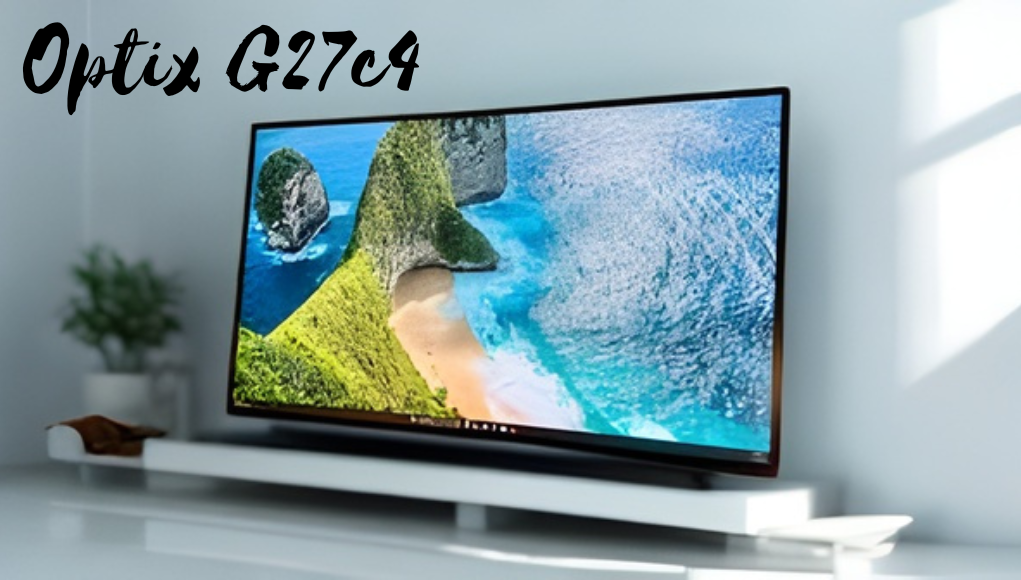
The MSI Optix G27C4 is a midrange curved gaming monitor designed to deliver an immersive and responsive experience without stretching into premium price territory. As part of MSI’s Optix lineup, it targets gamers and everyday users who want a balance of performance, visual appeal, and affordability.
With its 27-inch VA panel, 1500R curvature, and 165 Hz refresh rate, the G27C4 emphasizes smooth motion and deeper contrast, making it particularly appealing for fast-paced gaming and cinematic content.
Its design follows modern gaming aesthetics with slim bezels and a subtle, functional look, while maintaining solid build quality despite primarily plastic construction. The monitor integrates practical gaming features, including adaptive sync support, Game Mode presets, and on-screen enhancements, to improve visibility and responsiveness in competitive scenarios.
Although it makes some compromises such as limited ergonomic adjustments, lower pixel density due to Full HD resolution, and basic HDR performance it remains a strong value-oriented option. Overall, the G27C4 positions itself as a reliable, feature-rich display for midrange gamers and users seeking an engaging curved monitor that delivers consistent performance and everyday usability.
| Features | Key Points |
| Display Size | 27-inch screen |
| Panel Type | VA panel |
| Resolution | Full HD |
| Curvature | 1500R curve |
| Refresh Rate | 165 Hz |
| Response Time | 1 ms MPRT |
| Contrast | High contrast |
| Color Quality | Good sRGB |
| Adaptive Sync | FreeSync/G-Sync |
| Build Quality | Solid plastic |
| Ergonomics | Tilt only |
| Mount Support | VESA compatible |
| Connectivity | HDMI, DisplayPort |
| Gaming Features | Presets, overlays |
| OSD Control | Buttons/joystick |
| Software | Gaming OSD |
| Best For | Midrange gaming |
| Main Pros | Smooth, immersive |
| Main Cons | Low pixel density |
Optix G27c4
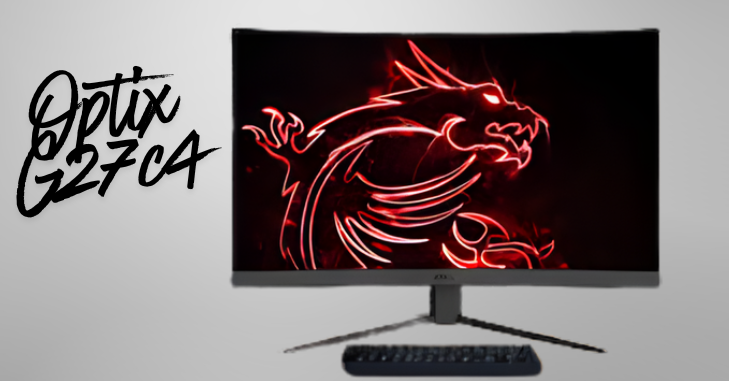
The MSI Optix G27C4 is a midrange curved gaming monitor that aims to deliver an engaging visual experience for gamers and general users alike. Launched as part of MSI’s Optix lineup, the G27C4 positions itself as an affordable, performance-oriented display focused on smooth motion, immersive curvature, and responsive gaming features.
Design and Build Quality
The Optix G27C4 follows the modern gaming monitor aesthetic with a curved panel, thin bezels, and a stand that blends functionality with subtle style. Out of the box, the monitor presents a clean, matte-black finish with a 1500R curvature that aims to wrap the display around the viewer, increasing perceived immersion in games and movies.
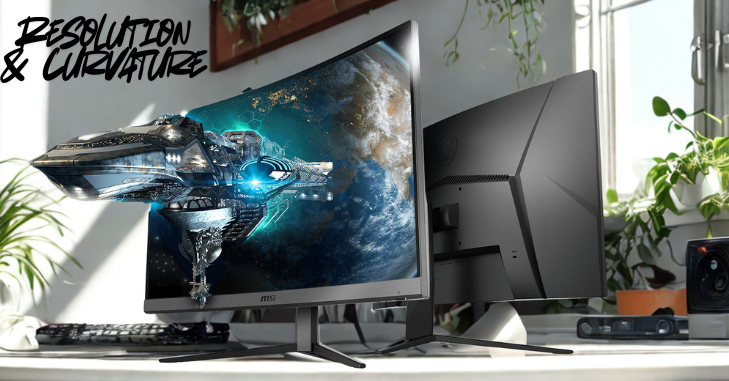
The curvature is noticeable but not extreme, striking a balance between immersion and general-purpose usability; it is pronounced enough to create a sense of depth in first-person and racing titles without making productivity work awkward.
Build Quality
The monitor uses primarily plastic materials, but the build feels solid with no creaks or looseness. It features an angular rear design with textured accents and a subtle MSI logo. The stand is sturdy and supports tilt adjustment, though it lacks height and swivel options.
However, VESA mount compatibility enables greater adjustability with third-party stands. Overall, the construction is practical and durable, even if it lacks premium materials.
Display: Panel, Resolution & Curvature
- The Crucial T700 requires a motherboard or system that supports M.2 PCIe NVMe drives.
- It is backward-compatible with PCIe 3.0 systems, but full PCIe 4.0 speeds are achieved only on Gen4-compatible platforms.
- Gen4 support is common on AMD Ryzen 3000/5000/7000-series and certain Intel 11th–14th gen CPUs with compatible chipsets.
- Users should confirm BIOS and firmware compatibility, especially on older desktops or laptops.
- Laptop users must check physical clearance and thermal constraints, particularly for models with an integrated heatsink.
- Some thin-and-light laptops may not accommodate a heatsinked T700 without modifications due to strict M.2 height limits.
Gaming Features
The Optix G27C4 is built for gaming, featuring adaptive sync support (AMD FreeSync and G-Sync Compatible) to reduce screen tearing and ensure smoother performance at variable frame rates, especially with midrange GPUs.
It includes Game Mode presets for quick adjustments to color and contrast, along with features like Black Tuner and dynamic contrast to improve visibility in dark scenes. Additional on-screen tools, such as crosshair overlays and FPS counters, further enhance the competitive gaming experience.
Performance
FPS & Fast Gaming
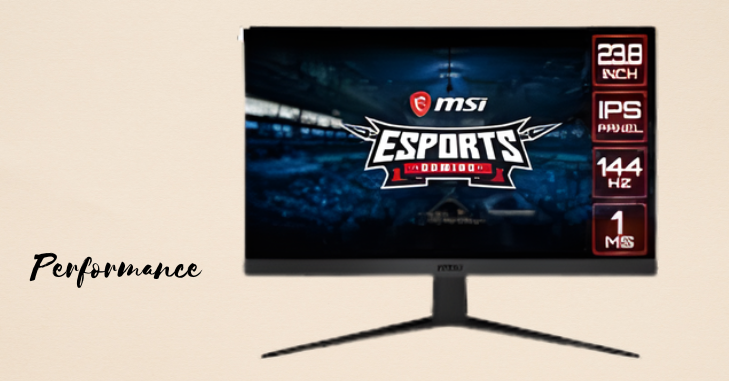
The G27C4 performs well in fast-paced games, with a high refresh rate and strong VA contrast delivering smooth motion and clear visuals. The 1500R curve enhances immersion and peripheral awareness, while adaptive sync reduces tearing. Overdrive settings help minimize ghosting without major artifacts.
Single-Player & Media
For story-driven games and movies, deep blacks and high contrast improve visual depth and atmosphere. Colors appear vivid, though slightly less accurate. It’s also suitable for general use, but a lower pixel density may make text look less sharp for detailed work.
Viewing Angles
VA panels have narrower viewing angles, and the curve can amplify color and contrast shifts when viewed off-center. This is rarely an issue for solo users but less ideal for shared viewing or collaborative setups.
Connectivity
Connectivity on the Optix G27C4 is straightforward and functional. The monitor typically offers DisplayPort and HDMI inputs, covering the most common GPU outputs for both desktop and console gaming.
Audio passthrough may be included depending on the exact model and region, but the G27C4 does not prioritize onboard speakers as a strength; integrated audio, if present, is best seen as a convenience for casual use rather than a replacement for desktop speakers or a headset.
Software and Usability
- The OSD menu is accessible via buttons or a joystick, with a clear, logical layout for settings such as brightness, color, input selection, and gaming presets.
- MSI’s Gaming OSD software lets users adjust settings via a desktop interface, making it easier to manage features such as screen splitting and gaming modes.
- The software is especially useful for multi-monitor setups and users who prefer GUI-based controls over physical buttons.
- OSD navigation is responsive, and picture modes let you quickly switch between vibrant and accurate visuals.
- Overdrive settings may need adjustment to balance ghosting and overshoot effectively.
- Black tuner and dynamic contrast features improve visibility but should be used moderately to avoid unnatural image quality.
Conclusion
The MSI Optix G27C4 is a compelling option for gamers seeking an affordable curved monitor that emphasizes contrast, immersion, and high refresh rates. Its 27-inch VA panel with 165 Hz refresh rate and 1500R curvature provides satisfying motion clarity and a cinematic feel for games and media, while features like adaptive sync, gaming presets, and low input lag make it a practical choice for competitive play at 1080p.
The monitor’s build quality is solid for the price, though limitations such as limited ergonomics, lower pixel density on a 27-inch FHD screen, and imperfect HDR performance should be considered. For its target audience, midrange gamers and users prioritizing value and immersive visuals, the Optix G27C4 strikes a strong balance.
Those who need higher resolution, professional-grade color accuracy, or advanced HDR should explore higher-end alternatives. Still, for many users, the G27C4 offers a highly usable, enjoyable gaming display at a competitive price point.
Want to know about T-Mobile Home Internet 5G Speed Test and Performance Guide: Streaming, Gaming Check out our Tech category.
FAQs
The MSI Optix G27C4 is a good gaming monitor. The 1080p resolution on its 27-inch curved screen isn’t quite enough, but the high refresh rate, great motion handling, and very low input lag make up for it.
The MSI Optix G27CQ4 is okay for watching multimedia content. It offers high resolution for crisp images. It performs well in both bright and dark rooms thanks to its high peak brightness and high contrast ratio. However, it has narrow viewing angles, so viewers from the sides see an inaccurate image.
3840 x 2160 is suitable for high-quality video and gaming. OLED Self-lit pixels for deep blacks, vivid colors.
The MSI Optix G27C4 and the MSI Optix G27C5 are very similar monitors. The G27C5 has a stand that sits flat on the table, and it’s better made overall. Other than that, they look the same. The G27C5 also gets brighter and shows colors more accurately.