

In today’s digital world, fast and reliable internet is no longer a luxury; it’s a necessity. Whether you’re streaming your favorite shows, playing online games, attending virtual meetings, or managing a smart home, your internet connection directly impacts your daily life. This is where T-Mobile Home Internet 5G comes into play.
Unlike traditional cable or fiber, T-Mobile uses its powerful 5G wireless network to deliver home internet without cables or complicated installations. But how well does it actually perform in real life? Is it fast enough for gaming, streaming, and remote work? In this detailed guide, we’ll explore real-world speed tests, performance insights, and practical use cases to help you decide whether it’s the right choice for your home. We break this down further in Best Mesh WiFi In 2026.
T-Mobile Home Internet 5G: Key Features and Performance Overview
| Feature | Details |
|---|---|
| Internet Type | 5G Fixed Wireless Broadband |
| Provider | T-Mobile |
| Download Speed Range | 50 Mbps to 300 Mbps |
| Upload Speed Range | 10 Mbps to 50 Mbps |
| Average Latency | 20 ms to 50 ms |
| Data Limit | Unlimited (no hard caps) |
| Contract Requirement | No annual contract |
| Installation Process | Self-installation (plug and play) |
| Equipment | 5G Gateway device included |
| Monthly Pricing | Fixed monthly rate (varies by region) |
| Best For Streaming | HD and 4K video streaming |
| Gaming Performance | Suitable for casual gaming |
| Remote Work | Supports video calls and cloud work |
| Device Support | 10–20 devices simultaneously |
| Coverage Type | Depends on 5G network availability |
| Rural Performance | Moderate but usable |
| Urban Performance | Faster and more stable |
| Peak Hour Performance | May be slow due to congestion |
| Setup Time | Usually under 15 minutes |
| Portability | Can be moved (coverage dependent) |
| Signal Dependency | Strongly affected by location |
| Weather Impact | Minor impact possible |
| Security | WPA2/WPA3 Wi-Fi security |
| Customer Support | 24/7 support available |
| Overall Rating | Good for everyday home use |
What Is T-Mobile Home Internet 5G and How Does It Work?
T-Mobile Home Internet 5G is a wireless broadband service that uses 5G cellular towers instead of physical cables. A gateway device placed in your home receives signals from nearby towers and converts them into Wi-Fi for your devices.
Key Highlights
- No drilling or technician required
- Unlimited data (with fair usage policies)
- Simple plug-and-play setup
- Fixed monthly pricing
This simplicity makes it attractive, especially for users in areas where cable or fiber options are limited.
Real-World Speed Test Results
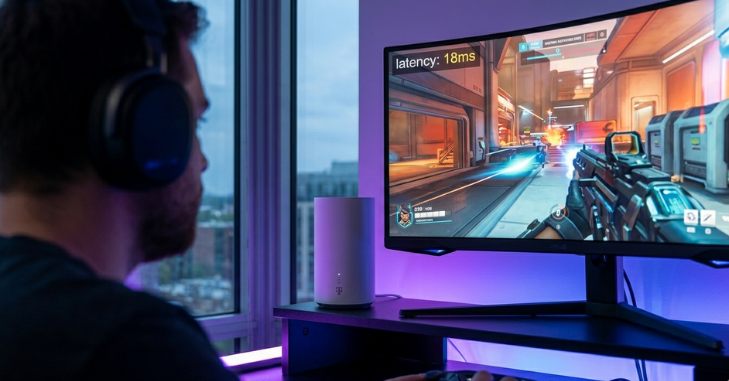
Speed is the most important factor when choosing an internet service. While advertised speeds can look impressive, real-world performance often varies.
Typical Speed Range
- Download Speed: 50 Mbps to 300 Mbps
- Upload Speed: 10 Mbps to 50 Mbps
- Latency (Ping): 20 ms to 50 ms
These speeds depend heavily on:
- Your location
- Distance from the nearest tower
- Network congestion
- Gateway placement
Performance Insight
In urban areas, users often experience speeds closer to 200–300 Mbps. In rural regions, speeds may drop but remain usable for most daily tasks.
Streaming Performance: Can It Handle HD and 4K?
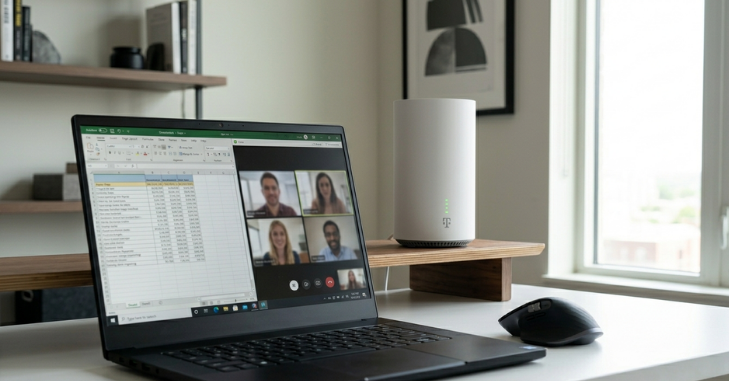
Streaming is one of the most common uses of home internet today. The good news is that T-Mobile Home Internet 5G performs well in this area.
Streaming Capabilities
- HD Streaming: Smooth with no buffering
- 4K Streaming: Works well with a stable signal
- Multiple Streams: 3–5 devices simultaneously
Popular platforms like Netflix, YouTube, and Disney+ run smoothly as long as your connection remains stable.
Real Experience
Users report minimal buffering when watching HD content. For 4K streaming, consistent speeds above 100 Mbps deliver the best experience.
Gaming Performance: Is It Good Enough for Gamers?
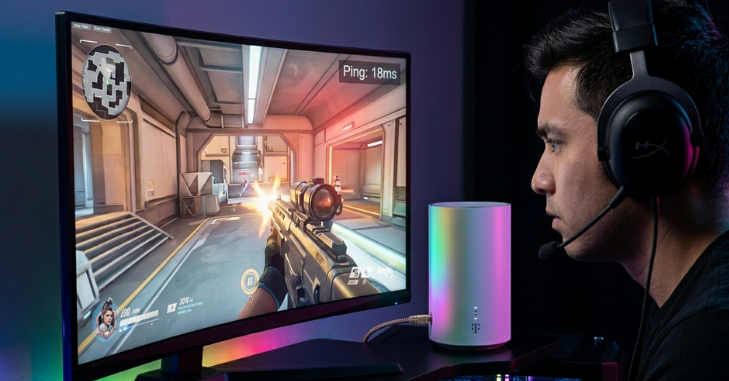
Online gaming requires low latency and stable connections. While T-Mobile Home Internet 5G is not designed specifically for hardcore gamers, it still performs decently.
Gaming Metrics
- Ping: 20–50 ms (good for casual gaming)
- Lag: Minimal in non-peak hours
- Download Speed: Fast enough for game downloads
Best Use Cases
- Casual multiplayer games
- Console gaming
- Game downloads and updates
Limitations
- Slight latency spikes during peak hours
- Not ideal for competitive esports gaming
Overall, it’s suitable for most gamers but may not satisfy professional-level performance needs.
Remote Work and Video Conferencing Performance
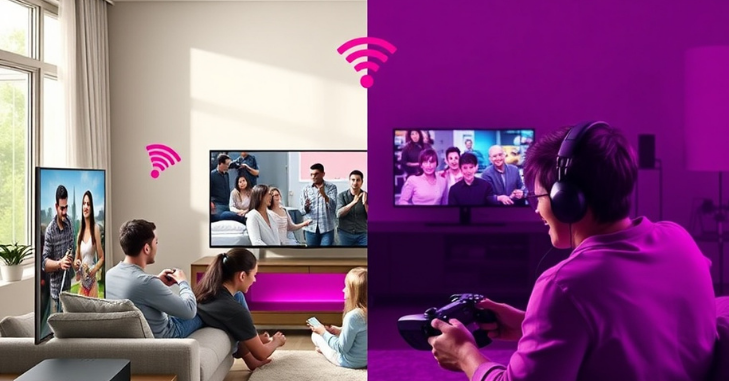
With remote work becoming the norm, internet reliability is critical. T-Mobile Home Internet 5G offers solid performance for work-related tasks.
Work-From-Home Capabilities
- Smooth Zoom and Microsoft Teams calls
- Fast file uploads and downloads
- Stable cloud access
Real-Life Usage
Users working from home report stable connections during video calls, with minimal interruptions when the signal is strong.
Best Practices
- Place the gateway near a window
- Avoid network congestion during peak hours
- Use Ethernet for important meetings
Multi-Device Usage: How Many Devices Can It Handle?
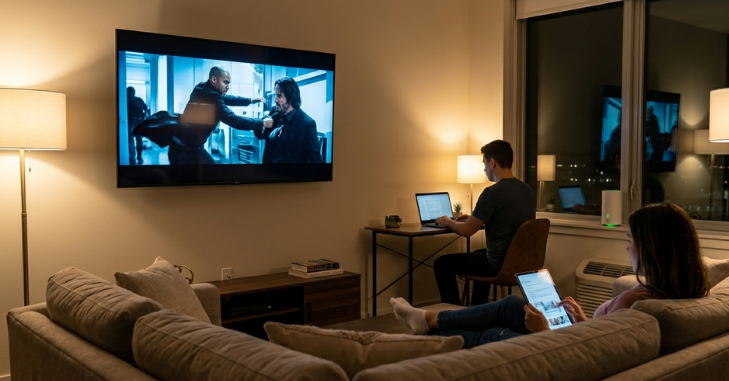
Modern households often have multiple devices connected at once: smartphones, laptops, TVs, and smart home devices.
Device Handling Capacity
- Supports 10–20 devices comfortably
- Ideal for small to medium households
Performance Insight
Even with multiple devices, the network maintains decent speed. However, heavy use, such as simultaneous streaming and gaming, can slightly reduce performance.
Factors That Affect Speed and Performance
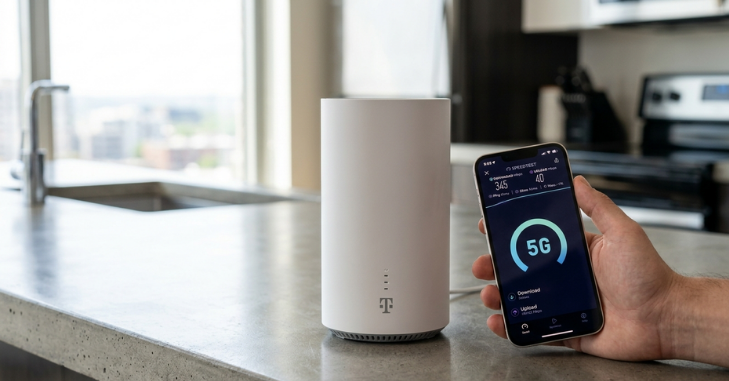
Understanding what impacts your internet speed can help you optimize your experience.
Key Factors
- Location: Closer to the towers means better speed
- Signal Strength: Stronger signals deliver faster speeds
- Network Congestion: Peak hours may slow down speeds
- Gateway Placement: Windows and higher positions work best
How to Improve T-Mobile Home Internet 5G Speed?
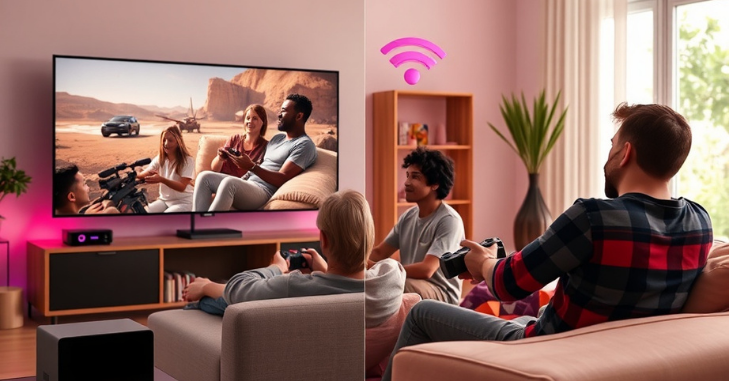
If you’re not getting the desired performance, simple adjustments can make a big difference.
Proven Optimization Tips
- Place the gateway near a window or an elevated area
- Avoid obstructions like thick walls
- Restart the device regularly
- Limit background downloads
- Use Ethernet for critical tasks
These small changes can significantly improve your connection quality.
Pros and Cons of T-Mobile Home Internet 5G
Pros
- Easy setup with no installation fees
- Affordable monthly pricing
- Unlimited data usage
- Good performance for everyday tasks
Cons
- Speed varies by location
- Not ideal for competitive gaming
- Performance can drop during peak hours
Who Should Use T-Mobile Home Internet 5G?
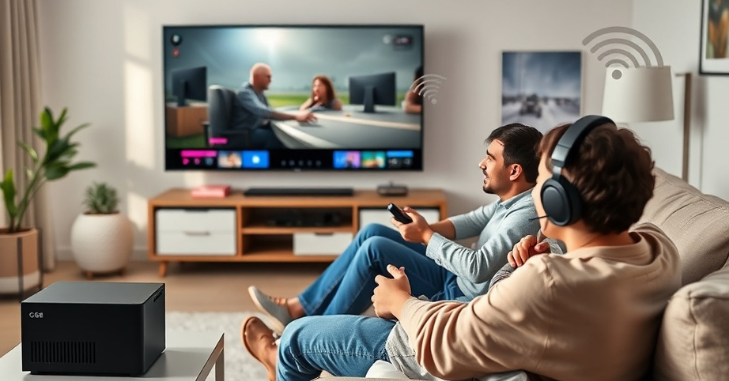
This service is best suited for:
- Families with moderate internet needs
- Remote workers
- Streamers and casual gamers
- Users in rural or underserved areas
It may not be ideal for:
- Hardcore gamers
- Users needing ultra-low latency
- Businesses requiring enterprise-level reliability
Conclusion
T-Mobile Home Internet 5G offers a flexible and affordable alternative to traditional broadband services. With decent speeds, easy setup, and reliable performance for everyday use, it meets the needs of most households.
While it may not replace fiber internet in terms of speed and stability, it offers excellent value, especially in areas with limited wired connections. From streaming and remote work to multi-device usage, it handles daily tasks efficiently when properly optimized. If you’re looking for a simple, contract-free internet solution, T-Mobile Home Internet 5G is definitely worth considering.
Want to know about Apple Watch Series 2 Review: Full Breakdown of Features, Performance, Battery Check out our Tech category.
Frequently Asked Questions (FAQs)
Most users experience download speeds between 50 Mbps and 300 Mbps, depending on signal strength, location, and network conditions. In areas with strong coverage, speeds can be even higher.
Yes, it supports HD and 4K streaming smoothly when the connection is stable. You can stream movies, shows, and videos across multiple devices without significant buffering.
Yes, it offers unlimited data usage. However, speeds may slow slightly during peak times if the network is heavily congested.
It works well for casual gaming, offering decent latency and stable performance. However, competitive or professional gamers may notice occasional lag or ping spikes.
It is generally reliable for daily activities like browsing, streaming, and video calls. Performance depends on signal strength and can vary throughout the day.