

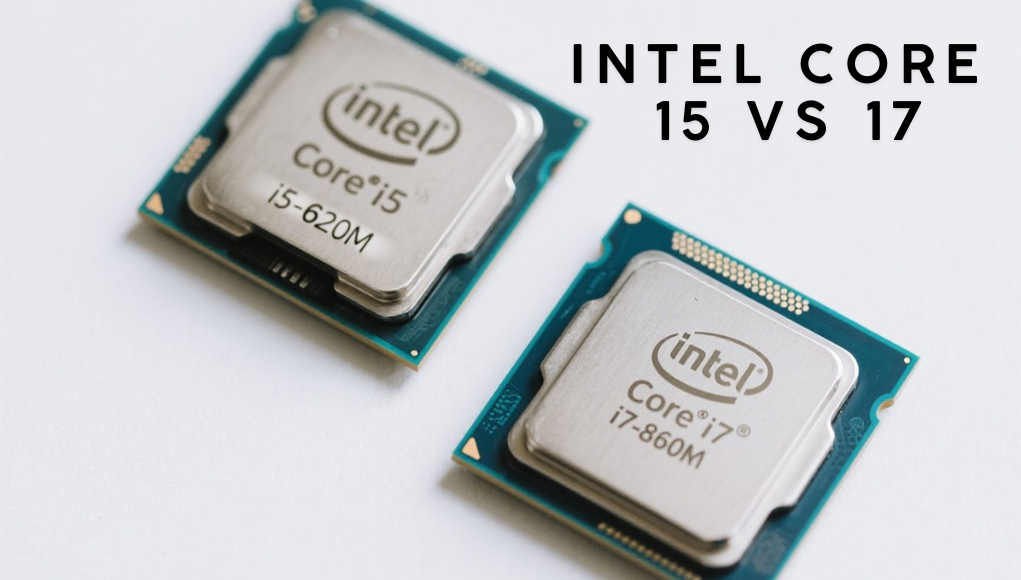
Intel Core i5 vs i7
The debate between Intel Core i5 vs i7 has long been a central topic for PC enthusiasts, gamers, and professionals seeking the perfect balance between performance and value. Both processors belong to Intel’s renowned Core series and are designed to deliver reliable computing power for a wide range of users.
The i5 is ideal for everyday tasks, moderate gaming, and productivity, while the i7 caters to users demanding higher processing power for multitasking, creative workloads, and advanced gaming. Understanding the distinctions in performance, power efficiency, pricing, and future-proofing helps users make an informed decision that best suits their needs and budget.
| Aspect | Intel Core i5 | Intel Core i7 |
| Target Users | Mainstream users and casual gamers | Professionals and heavy multitaskers |
| Performance Level | Strong for daily use and light gaming | Superior for demanding applications |
| Core Count | Usually 6 cores | Typically 8 cores or more |
| Hyper-Threading | Available on select models | Standard on most models |
| Clock Speed | Moderate base and boost speeds | Higher base and turbo speeds |
| Power Consumption (TDP) | Lower power and heat output | Higher TDP due to performance boost |
| Pricing Range | More affordable, budget-friendly | More expensive, premium performance |
| Ideal Use Cases | Browsing, studying, light gaming | Content creation, streaming, and high-end gaming |
| Future-Proofing | Moderate longevity | Longer system lifespan |
| Overall Summary | Balanced choice for value seekers | Best for performance-focused users |
Understanding the Intel Core Series
The Intel Core series consists of multiple tiers, with the i5 and i7 being two of the most prominent. The i5 series generally targets mainstream users, while the i7 series is aimed at those who require a higher level of performance. Both series offer a variety of models, each with different specifications tailored to specific tasks.
The architecture of these processors plays a significant role in their performance. Both i5 and i7 processors utilize Intel’s advanced microarchitectures, often referred to by names like Skylake, Coffee Lake, and, more recently, Tiger Lake. Each new generation typically brings improvements in performance, efficiency, and integrated graphics capabilities.
Performance Comparison
When comparing the performance of Intel Core i5 and i7 processors, several factors come into play, including clock speed, core count, and hyper-threading capabilities. Generally, i7 processors offer higher base and boost clock speeds, translating to better performance in multi-threaded applications. For instance, while a typical i5 processor may have a base clock speed of around 2.5 to 3.0 GHz, an i7 processor often operates at 3.0 GHz or higher.
Core count is another vital aspect of performance. Many modern i5 processors come with six cores, while i7 processors typically feature eight cores or more. This additional core count allows i7 processors to handle more simultaneous tasks, making them particularly effective for applications that require significant computational power, such as video editing, 3D rendering, and gaming.
Hyper-threading is a technology that allows each core to manage two threads simultaneously, effectively doubling the number of tasks that can be processed at once. While many i7 processors support hyper-threading, some i5 models do not. This capability further enhances the i7’s performance in multi-threaded scenarios, giving it an edge in demanding applications.
In gaming, both i5 and i7 processors perform admirably, but the differences become more pronounced in CPU-intensive titles. While an i5 may handle most games well, an i7 can boost frame rates and provide a smoother gaming experience, particularly when paired with a high-end graphics card. Additionally, for gamers who engage in live streaming or multitasking while gaming, the i7’s additional cores and threads can significantly improve performance.
Power Consumption
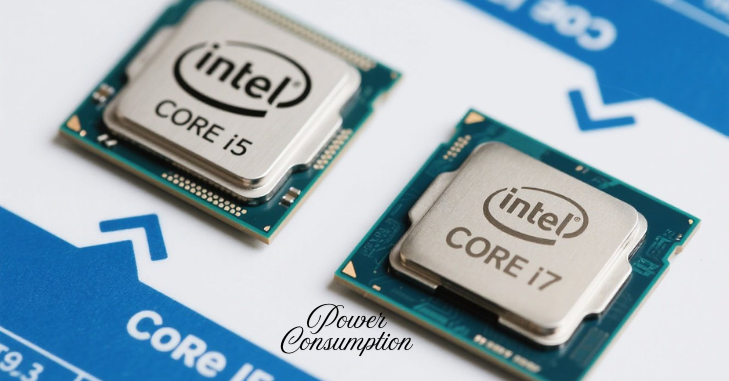
Power consumption is an essential factor to consider when comparing processors, especially for users concerned about energy efficiency. The thermal design power (TDP) rating of a processor indicates the maximum amount of heat generated by the CPU that the cooling system is required to dissipate. Generally, i7 processors have a higher TDP compared to i5 processors due to their increased core count and performance capabilities.
i5 processor
For example, a typical i5 processor may have a TDP of around 65 watts, whereas an i7 processor could range from 95 watts to 125 watts or more, depending on the specific model and generation. This higher power consumption can result in increased electricity bills and more heat output, requiring better cooling solutions.
Modern processors
However, it is essential to note that the efficiency of modern processors has improved significantly over the years. With advancements in manufacturing processes, many newer i7 models are designed to operate more efficiently, reducing the gap in power consumption between the two series. Users should also consider that the actual power consumption will vary based on workload; under light tasks, both processors may draw significantly less power than their rated TDP.
Pricing Considerations
Pricing as a Key Factor:
Pricing is often one of the most critical factors influencing a user’s choice between an i5 and an i7 processor.
Budget-Friendly Option (i5):
- i5 processors are generally more affordable, making them attractive for users who do not require the extra performance of the i7 series.
- Typical price range: $150 to $300 (depending on model and generation).
Higher-Cost Option (i7):
- i7 processors are priced higher due to enhanced performance and additional features.
- Typical price range: $300 to $500 (depending on model and generation).
Consider Intended Use:
- i5 Processors: Ideal for casual users, students, and individuals primarily using their computers for web browsing, document editing, and media consumption.
- i7 Processors: Better suited for gamers, content creators, and professionals handling resource-intensive tasks, offering better long-term value.
Overall System Build Considerations:
- The performance of any processor depends on supporting components such as the graphics card, RAM, and storage.
- A well-balanced system ensures optimal performance, whether it features an i5 or i7 CPU.
Integrated Graphics
Both Intel Core i5 and i7 processors come with integrated graphics, which can be a crucial factor for users who do not plan to invest in a discrete graphics card. While integrated graphics are generally less powerful than dedicated GPUs, they can still handle everyday tasks and light gaming.
The integrated graphics found in i7 processors are typically more advanced than those in i5 models. For example, Intel’s Iris Xe graphics, often found in newer i7 models, offer superior performance compared to the Intel UHD Graphics commonly associated with i5 processors. This difference can be significant for users who rely on integrated graphics for tasks such as video playback, casual gaming, or graphic design.
However, for serious gamers or professionals who require high graphical performance, investing in a dedicated graphics card is advisable. In such cases, the integrated graphics capabilities become less relevant, and the focus shifts back to the CPU’s performance.
Use Cases
| Usage Scenario | Recommended Processor | Reason/Explanation |
| General computing tasks (web browsing, document editing, streaming media) | Intel Core i5 | Sufficient performance for everyday use. |
| Light gaming or basic multimedia tasks | Intel Core i5 | Handles these needs efficiently without extra cost. |
| Demanding applications (video editing, 3D rendering, high-end gaming) | Intel Core i7 | Additional cores and threads provide noticeable performance improvement. |
| Professional work (graphic design, software development, data analysis) | Intel Core i7 | Increased processing power supports complex workloads. |
| Gaming with streaming or multitasking | Intel Core i7 | Higher clock speeds, more cores, and hyper-threading ensure smoother gameplay and multitasking. |
Future-Proofing
In today’s fast-paced technological landscape, future-proofing is an essential consideration for anyone purchasing a new processor. With software and applications becoming increasingly demanding, investing in a more powerful processor can extend the lifespan of your system. While an i5 processor may serve well for current needs, an i7 model may provide more longevity as software requirements evolve.
As newer generations of processors are released, the performance gap between i5 and i7 models may widen even further. By opting for an i7, users can ensure that their system remains capable of handling future applications and workloads, reducing the likelihood of needing an upgrade in the short term.
Conclusion
The decision between an Intel Core i5 and i7 processor ultimately hinges on individual needs, budget, and intended use. While the i5 series offers excellent value for general users and light gamers, the i7 series caters to those who require more power for demanding applications and multitasking scenarios.
Both series have their respective strengths and weaknesses, and understanding these differences is crucial for making an informed choice. Performance, power consumption, pricing, integrated graphics, and future-proofing are all factors that should be carefully weighed before making a decision.
Ultimately, whether you choose an Intel Core i5 or an i7 processor, you can expect a high level of performance and reliability, tailored to meet your specific computing needs.
Want to know about AI-Powered Prevention: Catching Risks Before They Become Disease Check out our Tech category.
FAQs
An i7 is generally better than an i5 due to its higher core/thread count and faster speeds, making it superior for demanding tasks like video editing, 3D rendering, and competitive gaming. However, an i5 is sufficient for everyday computing, gaming, and light tasks, offering a better balance of cost and performance for most users. The “better” processor ultimately depends on the specific tasks you need to perform and your budget.
Yes, an Intel Core i7 laptop is better than an i5 in terms of performance. It has more cores or threads, faster processing speed, and better support for multitasking. i7 laptops are ideal for users who run heavy software, edit videos, play modern games, or work with large datasets.
The Core i5 is a robust, energy-efficient processor perfect for everyday tasks and moderate use, offering a balance of performance and power consumption. On the other hand, the Core i7 caters to those who demand top-tier performance for intensive tasks, at the expense of slightly higher power consumption.